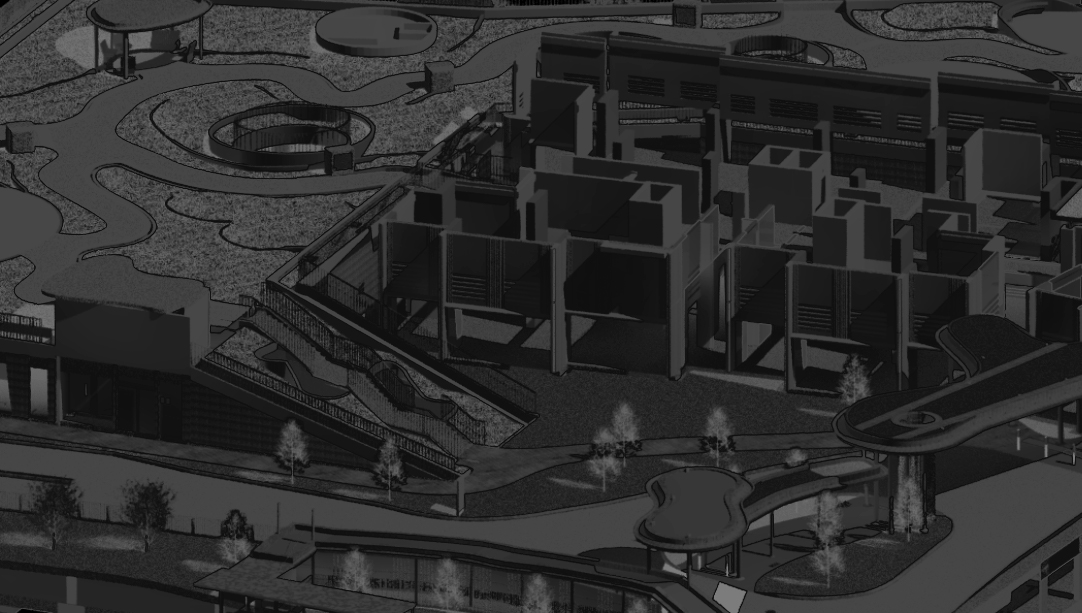

This course begins with an introduction to Navisworks, covering the basics of the Navisworks file system, model navigation, and utilizing section cuts and visibility options. Participants will learn to create and manage viewpoints, save selection and search sets, find objects within the model, and understand the selection tree breakdown and properties panel. Additionally, they will learn to apply colors to search sets for better visual organization.
The course also focuses on model review and adjustment, including taking measurements, adding comments and redlines, and adjusting model elements. A significant portion is dedicated to clash detection, where participants will create clash rules, set up clashing model sets, group clash test results, and generate comprehensive clash reports. This training ensures participants are well-equipped to handle model integration and coordination tasks efficiently.
Training contents
BIM Fundamentals
Introduction to Navisworks

Setting Up
1. Navisworks File System
2. Model Navigation
3. Section Cut & Visibility Options
4. Viewpoints
Groupings, Sets & Finding Objects
1. Saving Selection Sets & Search Sets
2. Finding Objects in the Model
3. Selection Tree breakdown & Properties panel
4. Applying Colors to Search Sets
Model Review & Adjustment
1. Measurements
2. Comments & Redlines
3. Adjustment of model elements
Clash Detection
1. Creation of Clash Rules
2. Setting up of Clashing Model Sets
3. Grouping Clash Test Results
4. Creating Clash Reports

 BIMNovate