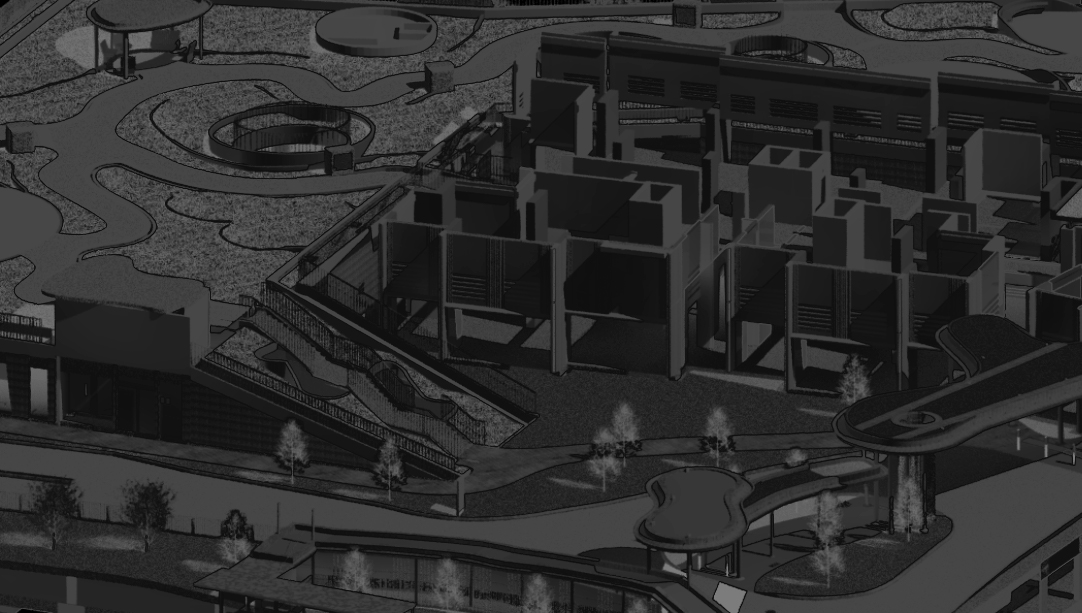

The BIM – Basic course covers essential BIM fundamentals, starting with an introduction to BIM concepts and Revit model elements. Participants will learn to set up Revit coordinate systems, grids, levels, and link CAD/Revit files. The course includes creating various views such as plans, 3D, elevation, sections, drafting, and legends, along with managing visibility graphics and view settings.
In the modeling section, learners will practice modeling walls, floors, ramps, doors, windows, staircases, railings, ceilings, roofs, structural shafts, foundations, columns, beams, and floors. The documentation segment covers line styles, settings, tagging elements, text annotations, filled regions, and dimensioning. Participants will also learn to create and manage sheets and export their work to DWG, DWF, and PDF formats. The assessment involves basic modeling of a two-story house, assigning values to type and instance properties, and creating detailed plans, sections, and elevations.
Training contents

BIM Fundamentals
Introduction to Building Information Management

Setting Up
1. Introduction to Revit & Revit Model Elements
2. Revit Coordinates Systems, Grids, Levels Setup, Linking CAD/Revit Files
3. Creating Views (Plan, 3D, Elevation, Sections, Drafting, Legends)
4. Visibility Graphics & View Settings

Modelling
1. Modelling of Walls & Modelling Tools
2. Modelling Floors, Ramps, Doors & Windows
3. Modelling Staircases, Railings, Ceilings & Roofs
4. Modelling Structural Shafts, Foundations, Columns, Beams & Floors

Documentation
1. Line Styles, Settings & Tagging Elements
2. Text Annotations, Filled Regions & Dimensioning
3. Using Sheets & Exporting DWG, DWF, PDF

 BIMNovate