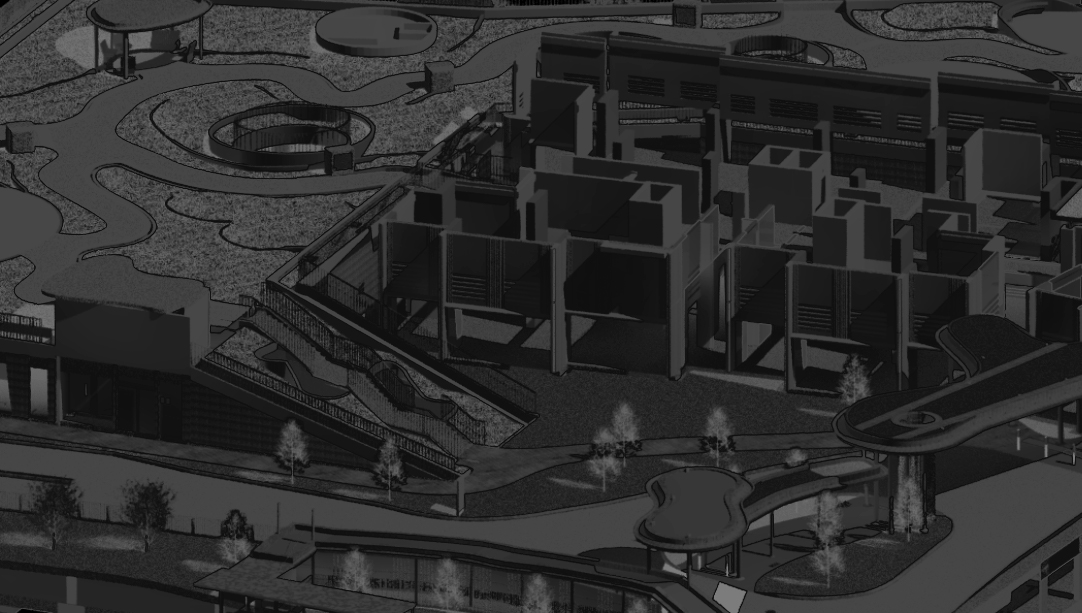

The BIM – Advanced Structural course emphasizes construction and design stage outputs. It covers setting up a shared coordinates system, configuring Revit parameters, organizing the browser with object styles, filters, and view templates. Participants will learn to understand and create Revit families for structural framing, footings, columns, and annotations, as well as model rebar for slabs, beams, and columns, and structural steel.
In the documentation segment, the course addresses understanding Revit schedules, 5D BIM, BIM collaboration through Revit worksharing, and revision management. Assessments involve setting up shared coordinates for multiple project files, modeling a six-story residential building with custom-built families, adding and assigning shared parameters, creating parameter-driven tags, generating schedules for various elements, and preparing detailed concrete and wall setting out plans using the BIM model.
Training contents

Setting Up
1. Setting up a Shared Coordinates System
2. Revit Parameters
3. Browser Organization, Object Styles
4. Filters, View Templates

Modelling
1. Understanding Revit Families
2. Revit Family Creation – Structural Framing, Footing, Column Family
3. Revit Family Creation – Annotation Family
4. Rebar modelling for slabs, beams & columns
5. Structural steel modelling

Documentation
1. Understanding Revit Schedules
2. 5D BIM
3. BIM Collaboration – Revit Worksharing
4. Revision Management

Assessment
- Setting Up Shared Coordinates for multiple project files
- Modelling of a warehouse and structure of a 6 storey residential building with custom built families
- Add Shared Parameters to the Project & assign values
- Create a tag that gets information from with Shared Parameters
- Generate schedules for rebar schedules & concrete volumes
- Preparing of concrete body plan & beam / column rebar detail drawings

 BIMNovate